Admissions confidence begins before the visit
How to Build a School Website Parents Trust
The content, structure, proof, and update routine a Kenyan school needs to support parents, learners, and admissions teams.
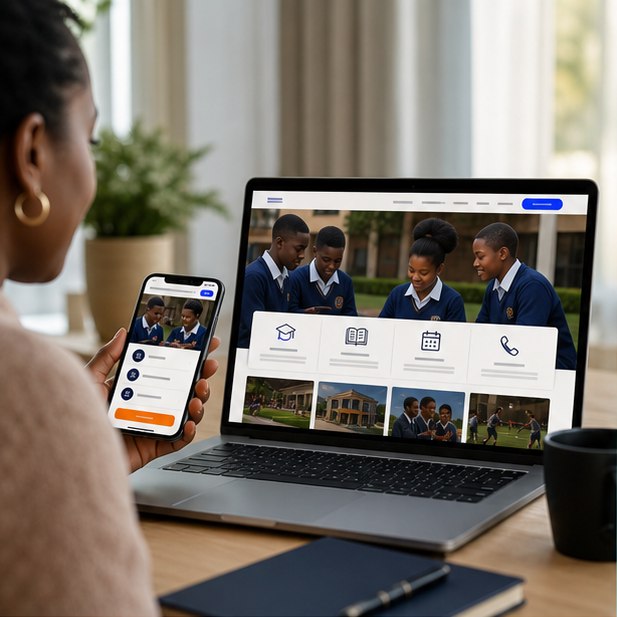
A trusted school website clearly explains the learning offer, admissions process, location, leadership, safety, calendar, fees or enquiry path, and current contacts—using real evidence and easy mobile navigation.
The short version
What you will take away
Answer parent questions before asking for a call.
Use real school photos and current dates.
Make admissions a clear step-by-step journey.
Separate evergreen information from frequent notices.
Organize around parent decisions
Parents do not think in internal department names. They want to understand fit, curriculum, class levels, facilities, outcomes, location, cost, and the next admissions step.
Build trust with real evidence
Stock photos and generic claims cannot show the school experience. Use current images, named leadership, facilities, activities, policies, and practical information that can be verified.
Design a usable admissions journey
Explain eligibility, required documents, key dates, assessment, fees or how to request them, and what happens after an application. Avoid making parents chase basic steps across several channels.
Keep the site alive without creating clutter
Calendars, notices, and achievements need frequent updates, while core pages should remain stable. Archive expired notices and assign publishing permissions carefully.
Your action checklist
Turn the idea into action
Planning a school website?
We can structure the content around parent confidence and a smoother admissions journey.
Request a quoteJengaSites Editorial
Practical website guidance for Kenyan businesses and organisations.