Authentic beats generic
Better Website Photos with a Phone: A Small-Business Guide
Plan and capture useful team, product, service, and location photos without an expensive studio setup.
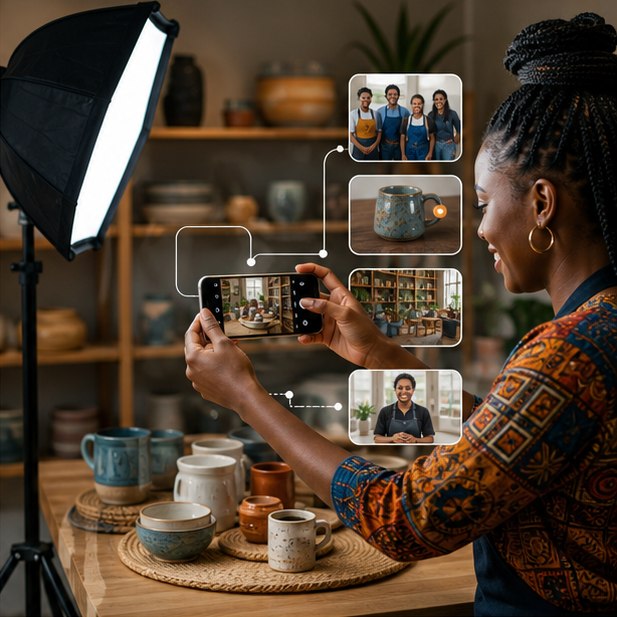
Use clean natural light, a steady phone, simple backgrounds, consistent framing, and a shot list built around website sections. Capture the real people, place, product, process, and result customers need to trust.
The short version
What you will take away
Create a page-based shot list before shooting.
Use window light and clean the lens.
Leave negative space for responsive crops.
Get permission before publishing people or customer information.
Plan images around website questions
Start with the pages and claims the photos must support. A service page may need the team at work, tools, process, environment, and finished result—not twenty versions of the logo wall.
Control light, background, and stability
Soft daylight near a window is often more flattering than mixed overhead lighting. Clean the lens, simplify the background, and stabilize the phone with both hands or a small tripod.
Compose for responsive layouts
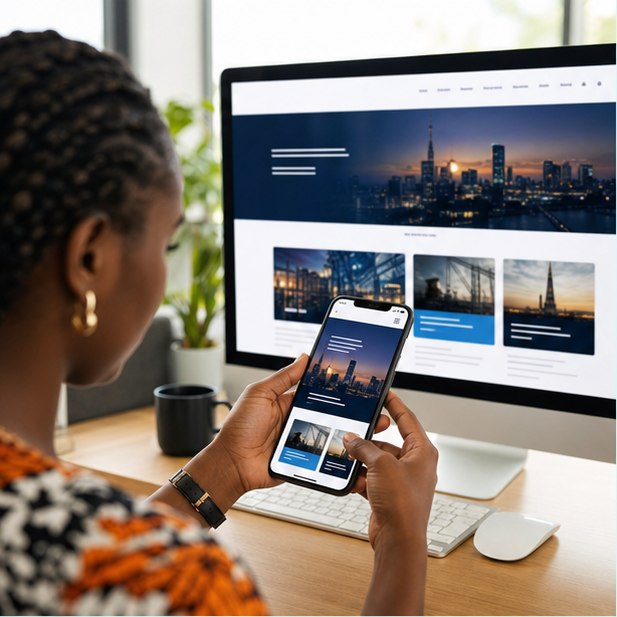
Website images are cropped differently on phones and desktops. Leave space around the subject, keep important details away from edges, and shoot horizontal and vertical options.
Select, edit, and export carefully
Choose a consistent set, correct brightness and color lightly, and export dimensions suited to the website. Heavy filters and giant original files slow the site and make products look inaccurate.
Your action checklist
Turn the idea into action
Need content that makes the website feel real?
We can plan the page structure and shot list before design begins.
Request a quoteJengaSites Editorial
Practical website guidance for Kenyan businesses and organisations.